Find a story by artwork and genre before diving into the detail page.
ToonNest iOS reader
Fresh chapters ready to tap.
ToonNest turns the comic app homepage into a reading console: trending covers, episode history, saved favorites, and genre moods sit close to the next page.
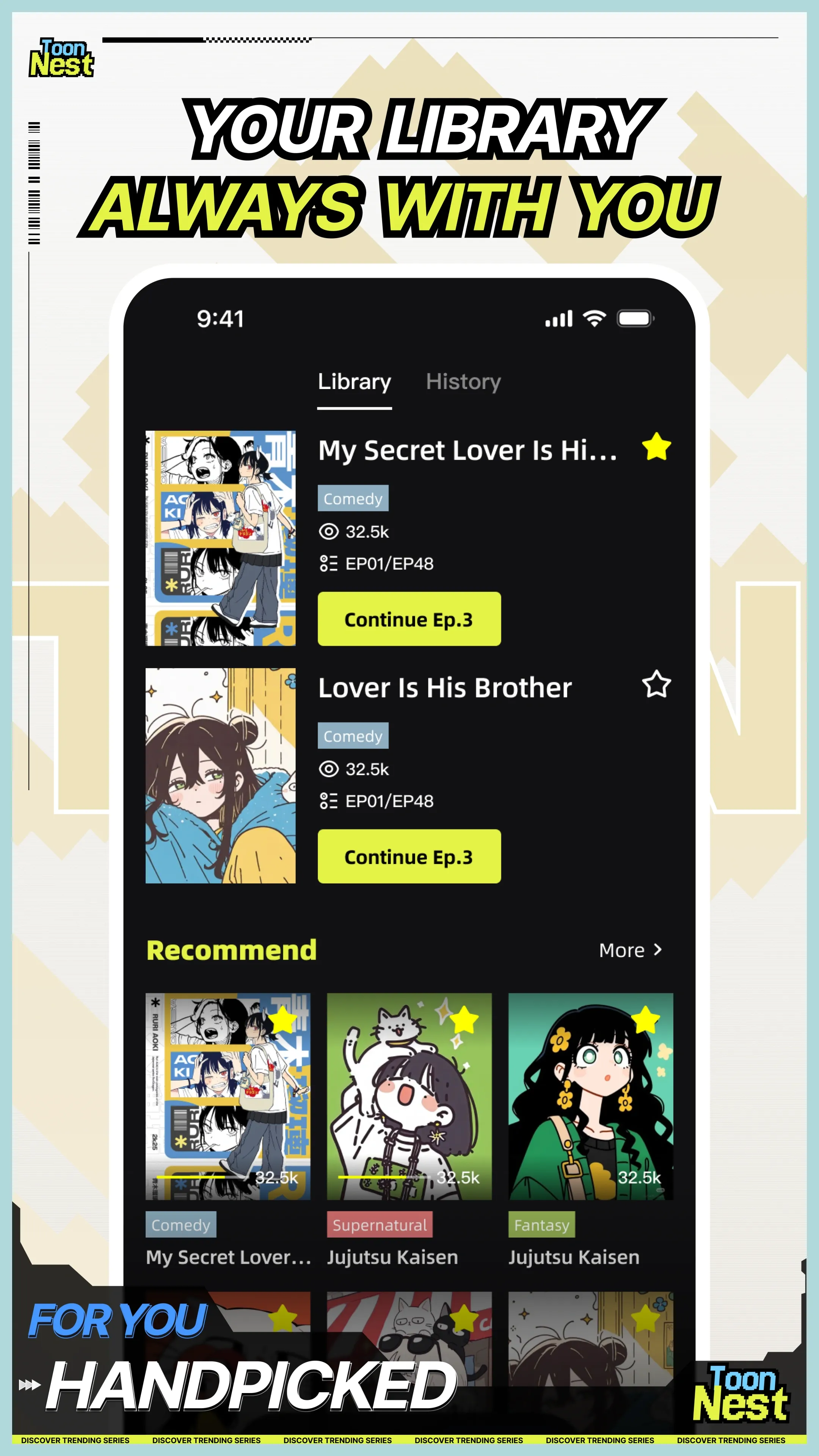
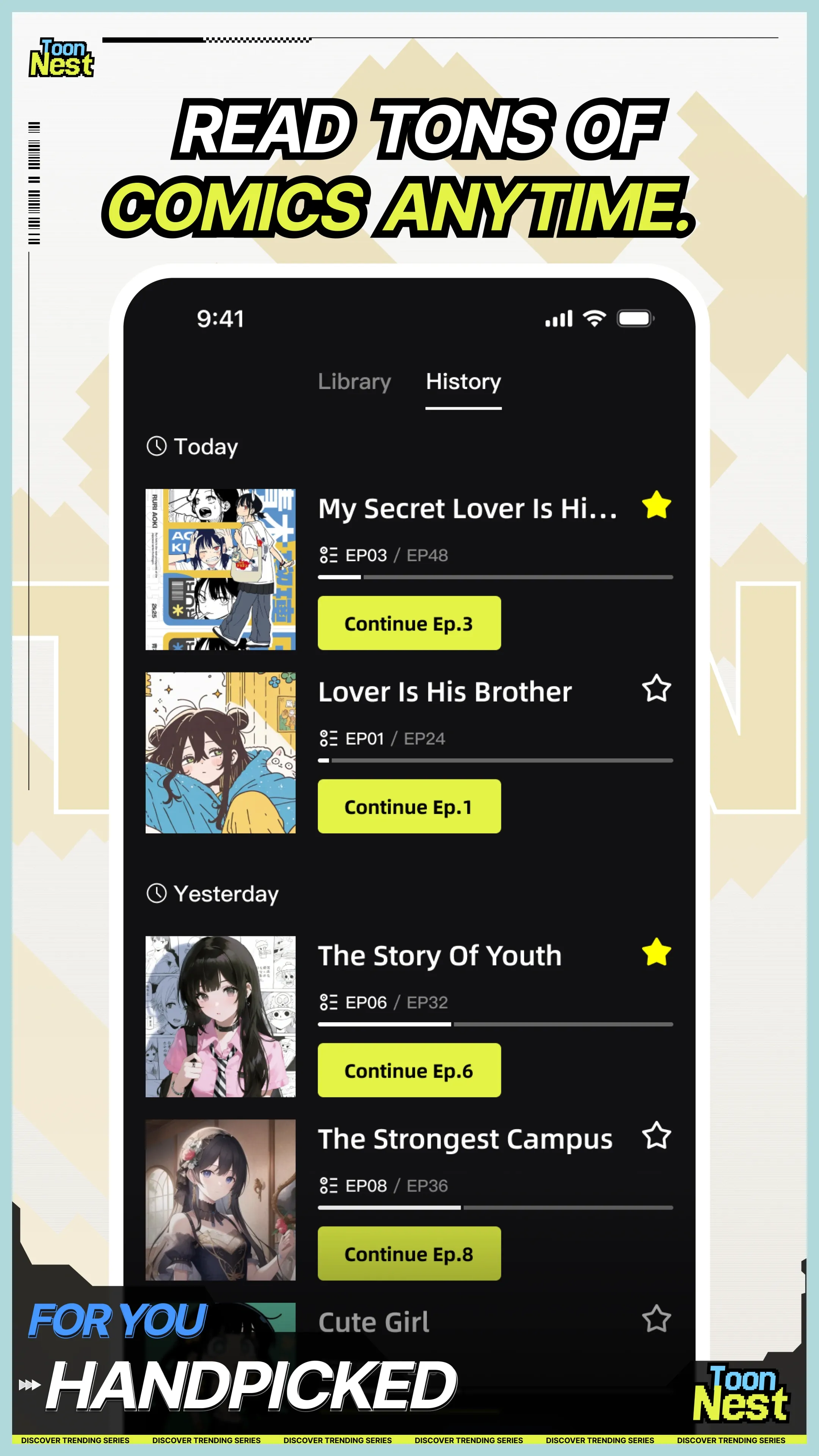
Keep the last chapter and continue states visible for shorter reading breaks.
Save favorites and return to a library that feels built for repeat visits.
A shelf that starts with what to read next.
Instead of leading with a single banner, ToonNest can present the app like a live reading desk: one large reader moment, two quick panels, and direct routes to the saved library.

Browse by mood, not by maze.
Genre chips and cover rows help readers jump from comedy to fantasy, suspense, adventure, or a saved favorite without slowing the session down.

Story moods
Comedy
Fantasy
Suspense
Library
Fast labels for the kind of story you want tonight.
The app preview already shows comedy, horror, fantasy, sports fiction, josei, seinen, adventure, cuteness, and suspense. This section turns those app details into a stronger public-facing story.
Light reads and character-driven moments for quick daily sessions.
World-building, powers, quests, and longer stories worth saving.
Darker covers and tense updates surfaced without extra hunting.
Favorites, history, and continue buttons keep return reads close.
From a cover tap to the next episode.
This layout gives ToonNest a more product-focused rhythm: discovery is visual, filters are immediate, and the reader remembers where the story paused.
Spot a cover
Open on visual rows that make the next title easy to compare at a glance.
Filter the mood
Move through genres and story types with simple, thumb-friendly controls.
Continue reading
Return to recent episodes and saved titles from the library view.


Keep a comic queue ready.
ToonNest is made for iOS readers who want fresh series, visible progress, saved favorites, and a quick route back into the next panel.